
← All guides
Payment
Pay the way that suits you: cash on collection, or online by card, Apple Pay, Google Pay or IRIS.
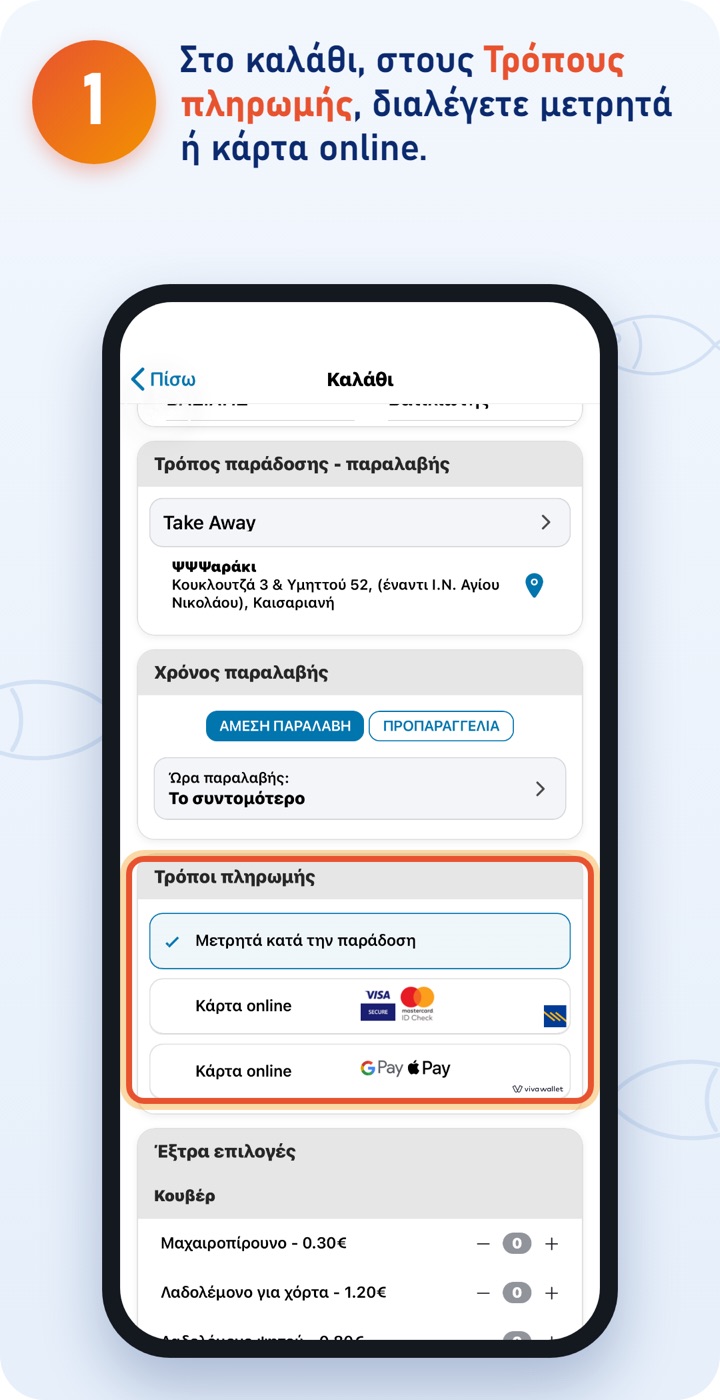
You pay cash at the shop or to the rider. For card online you have two options: the first accepts Visa and Mastercard, the second also Apple Pay, Google Pay and IRIS. Both accept cards from every bank; if one doesn't go through, try the other. 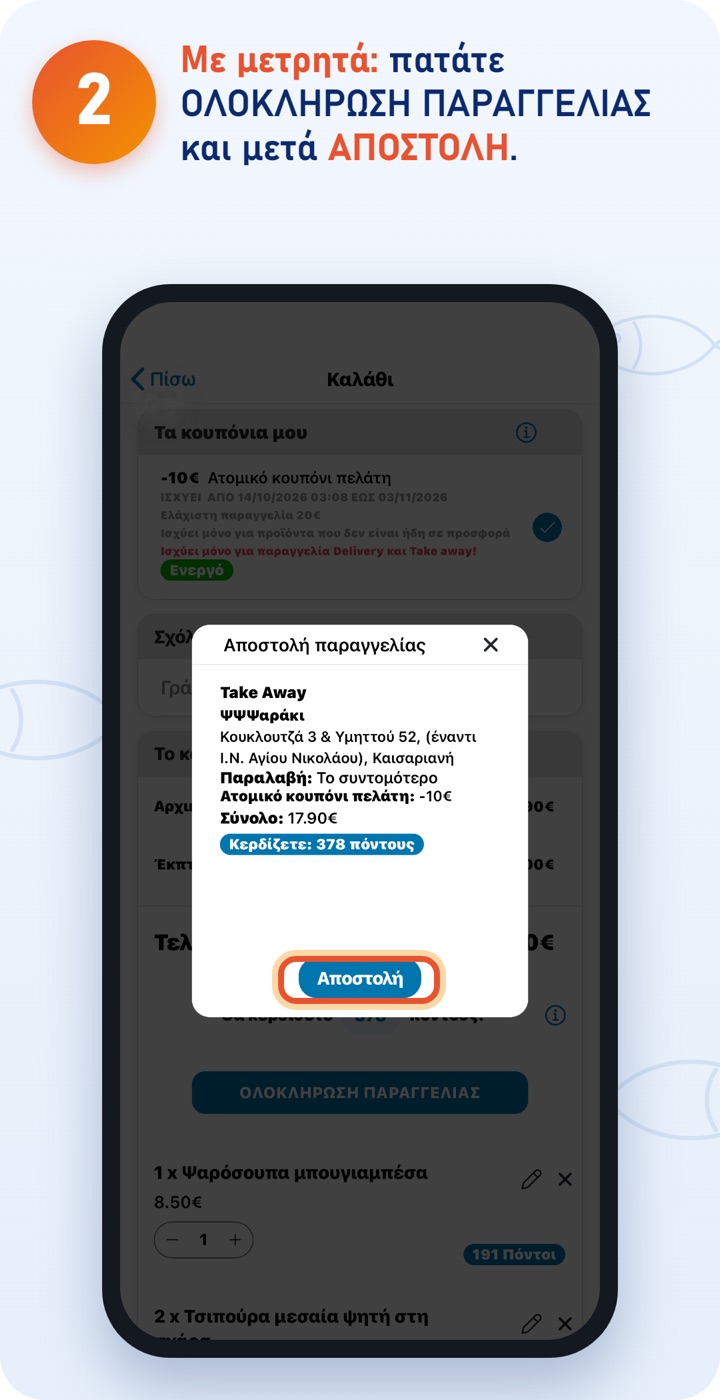
In the window you check the order summary. With SEND the order goes straight to the shop. 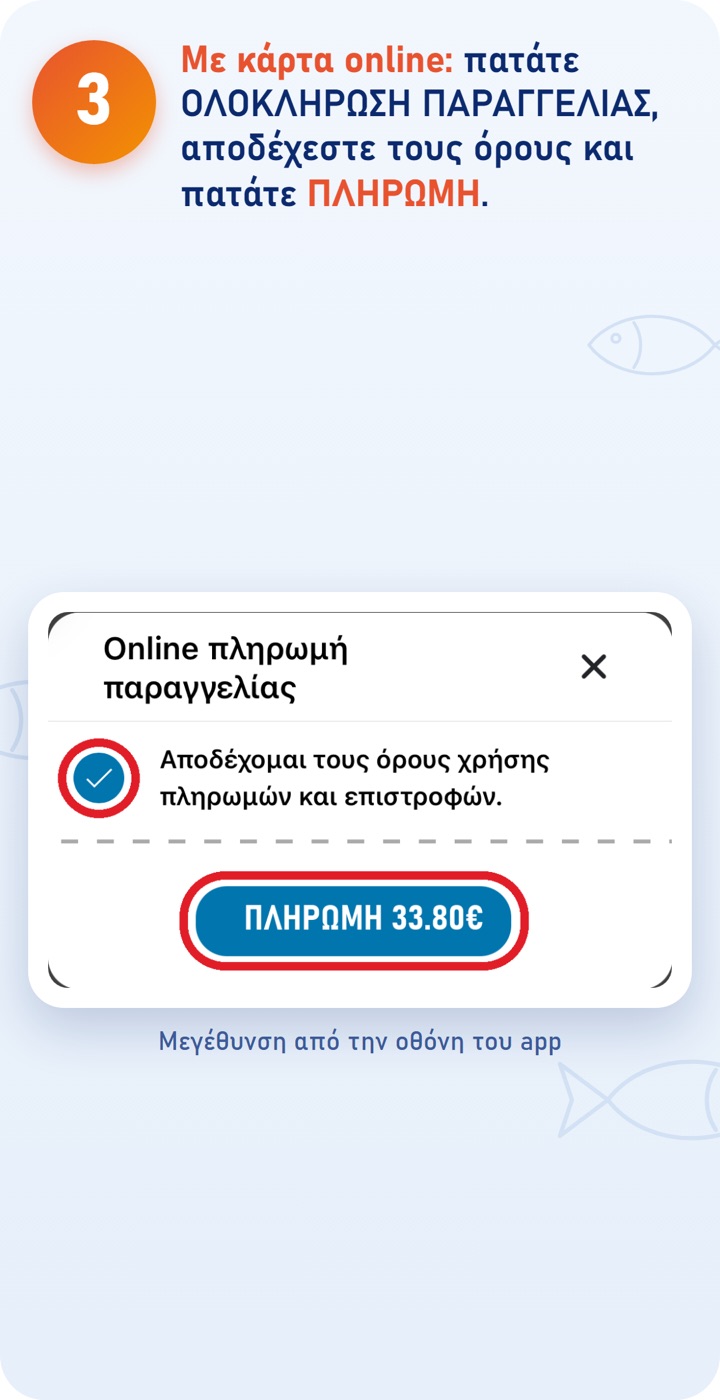
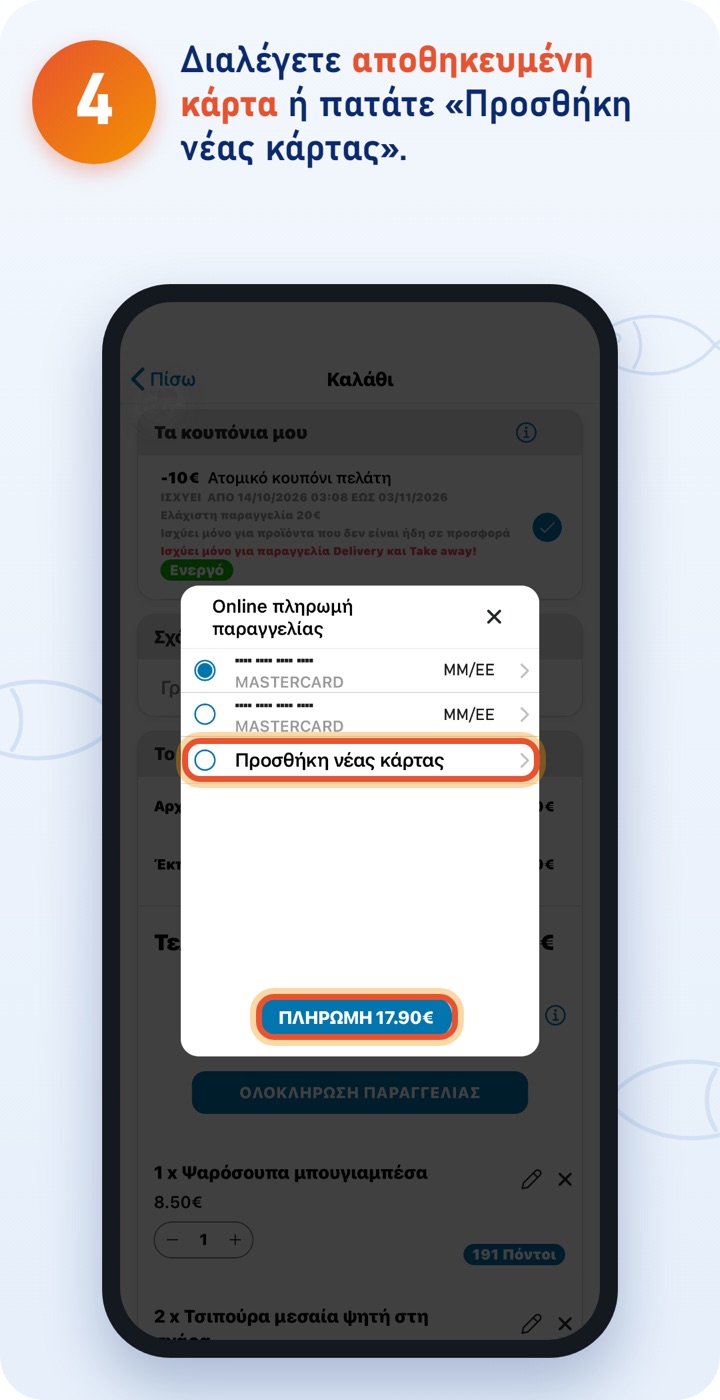
You'll find your saved cards under MENU → PAYMENT CARDS. 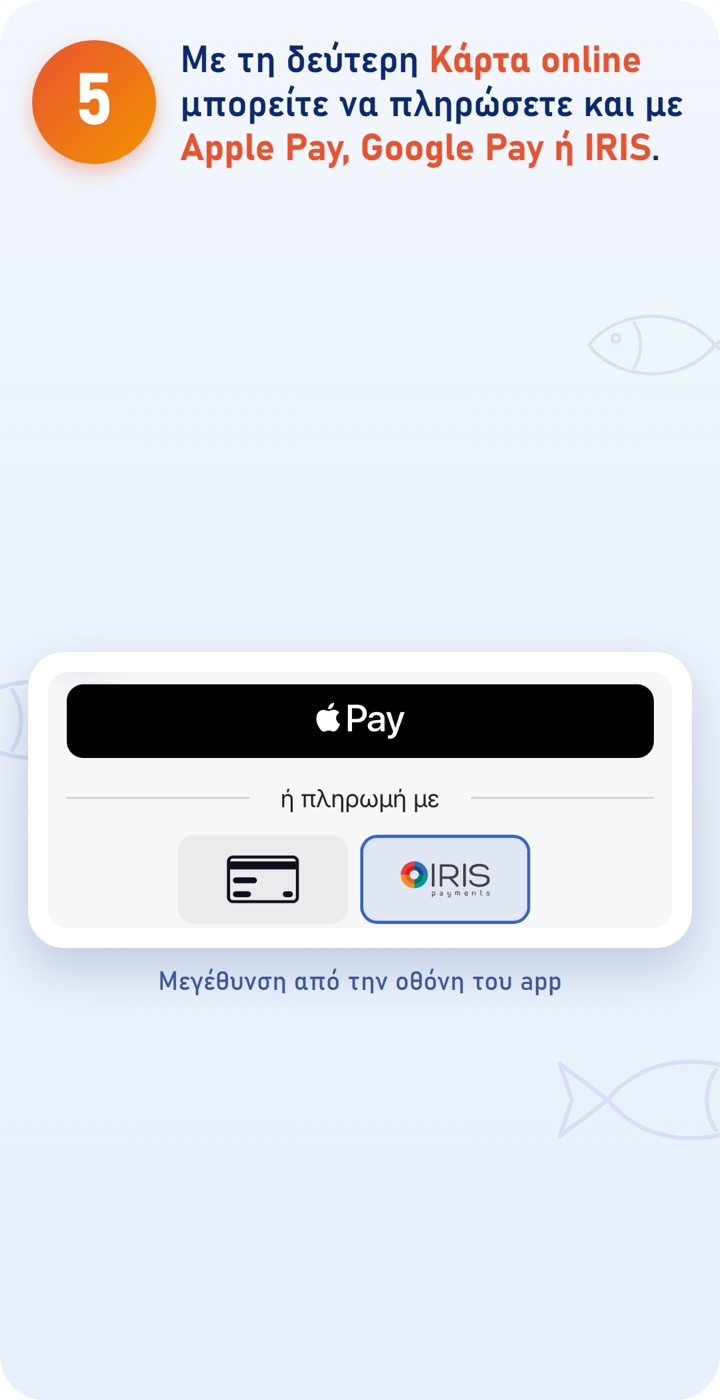
With IRIS you pay directly from your bank: choose it and complete the payment in your bank's web banking or app. 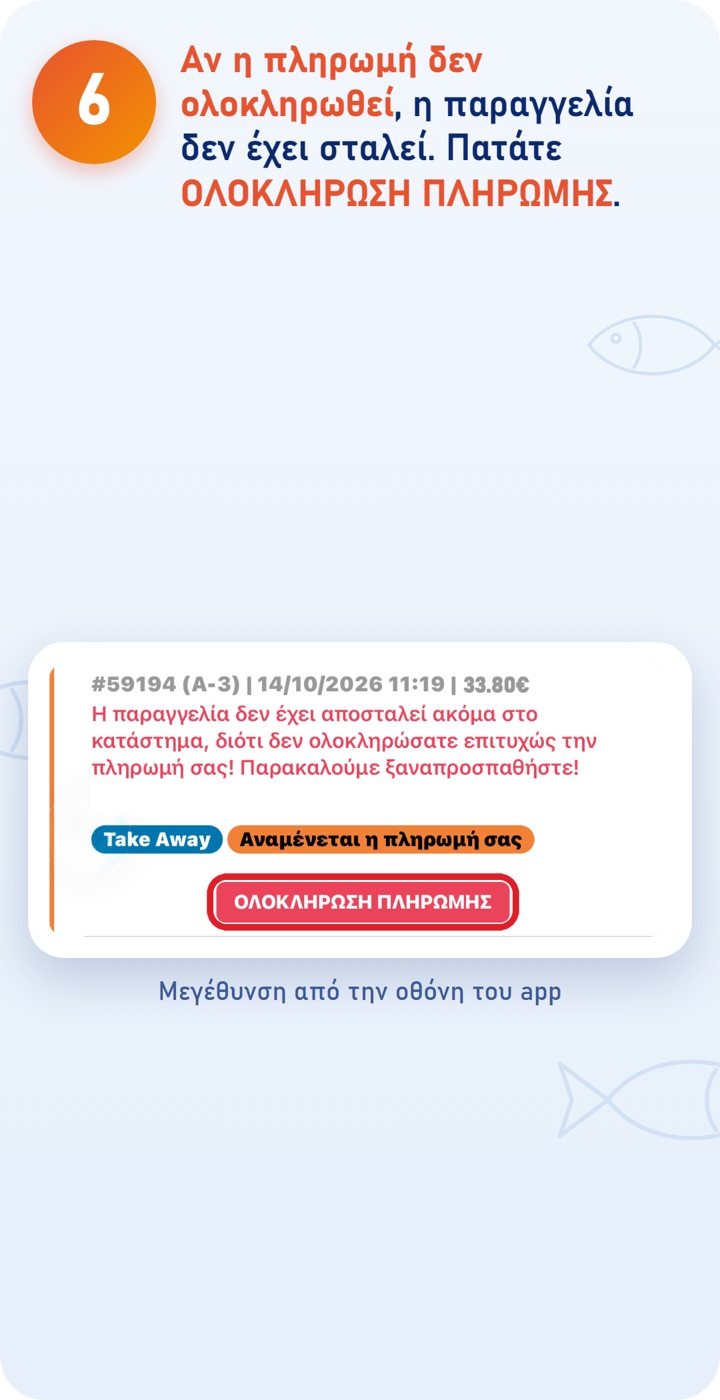
You'll find it under ORDERS marked «Awaiting your payment». Until the payment is completed, the shop doesn't see the order and doesn't prepare it. If the payment fails again, try another card or another payment method. 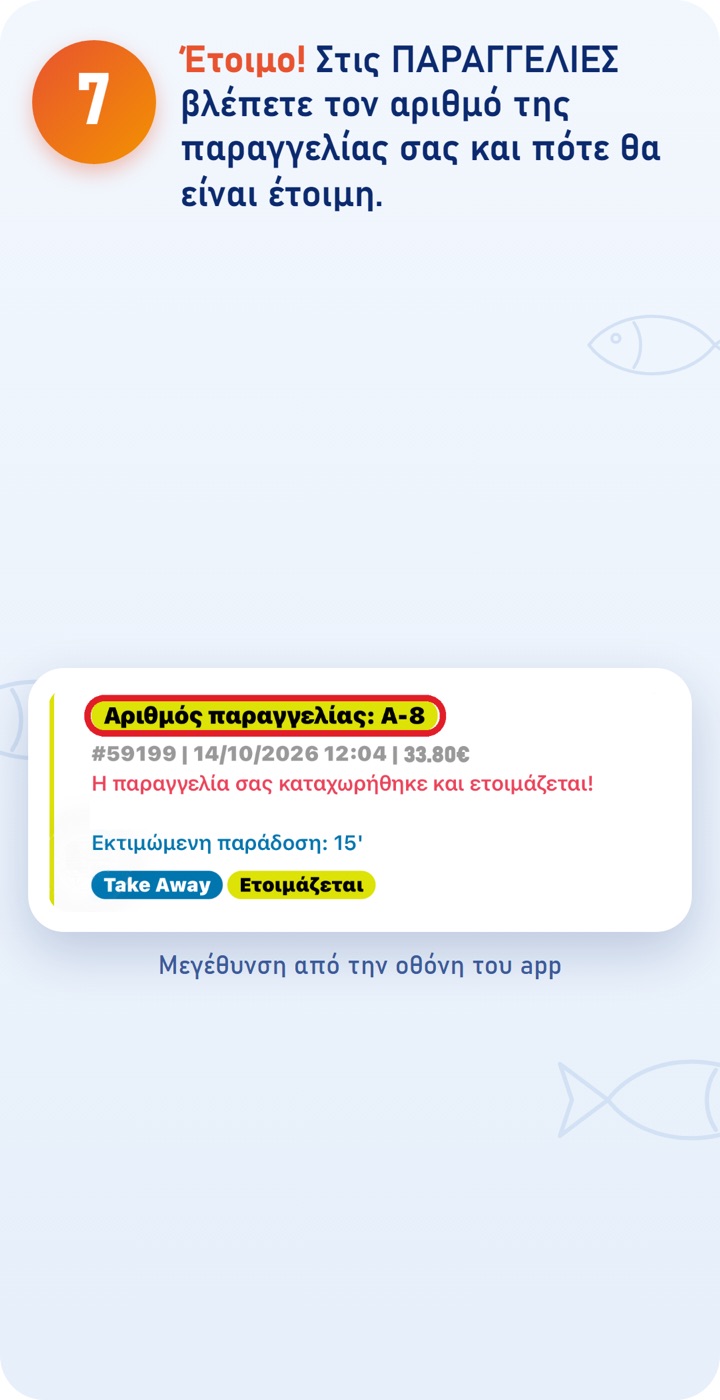
The ΨΨΨαράκι app
Download the app and order quickly and easily. You can also order at order.psssaraki.gr.