
Coupon with a code
5 simple steps to use a coupon code in our app!
Open the app
Open the Ψψψαράκι app and tap MENU, top left
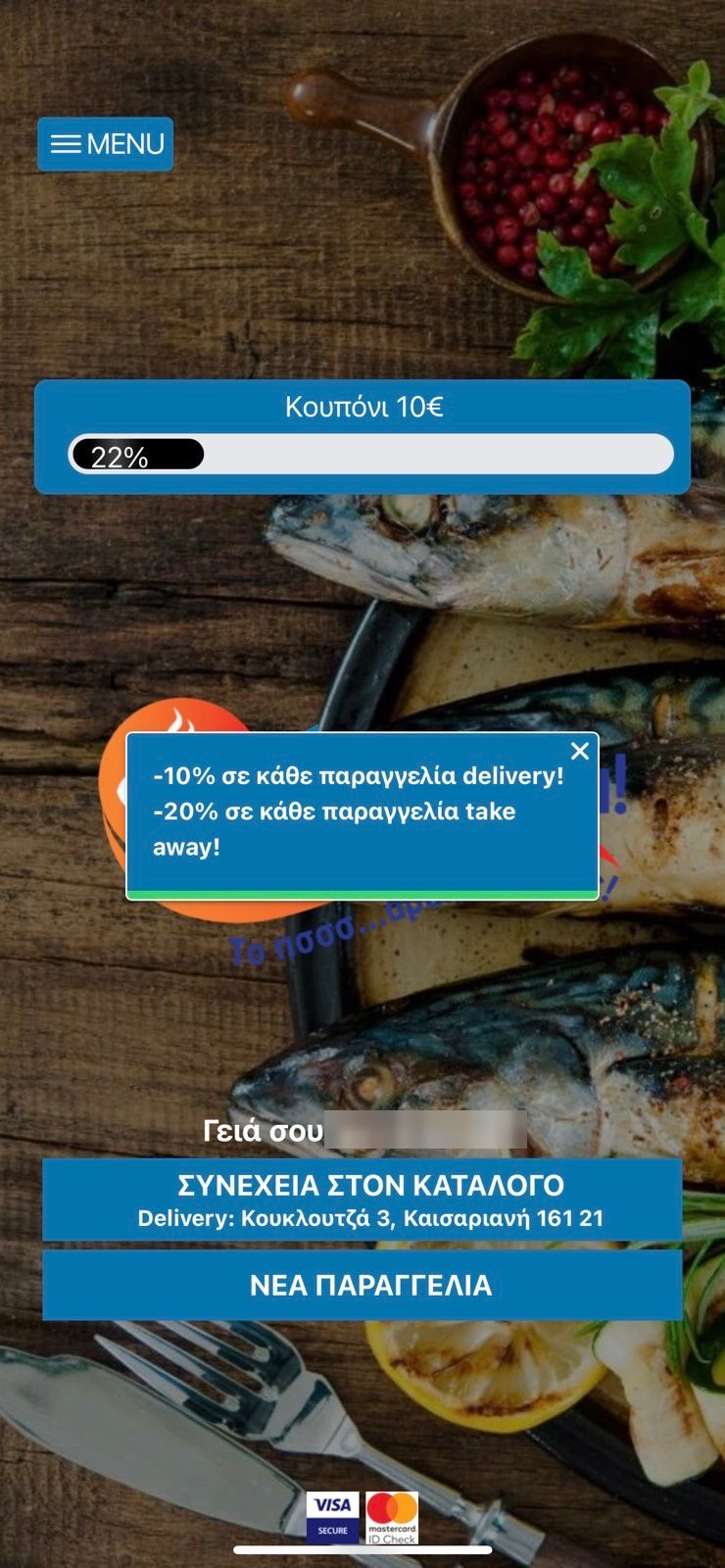
Menu
In the side menu on the left, tap COUPONS
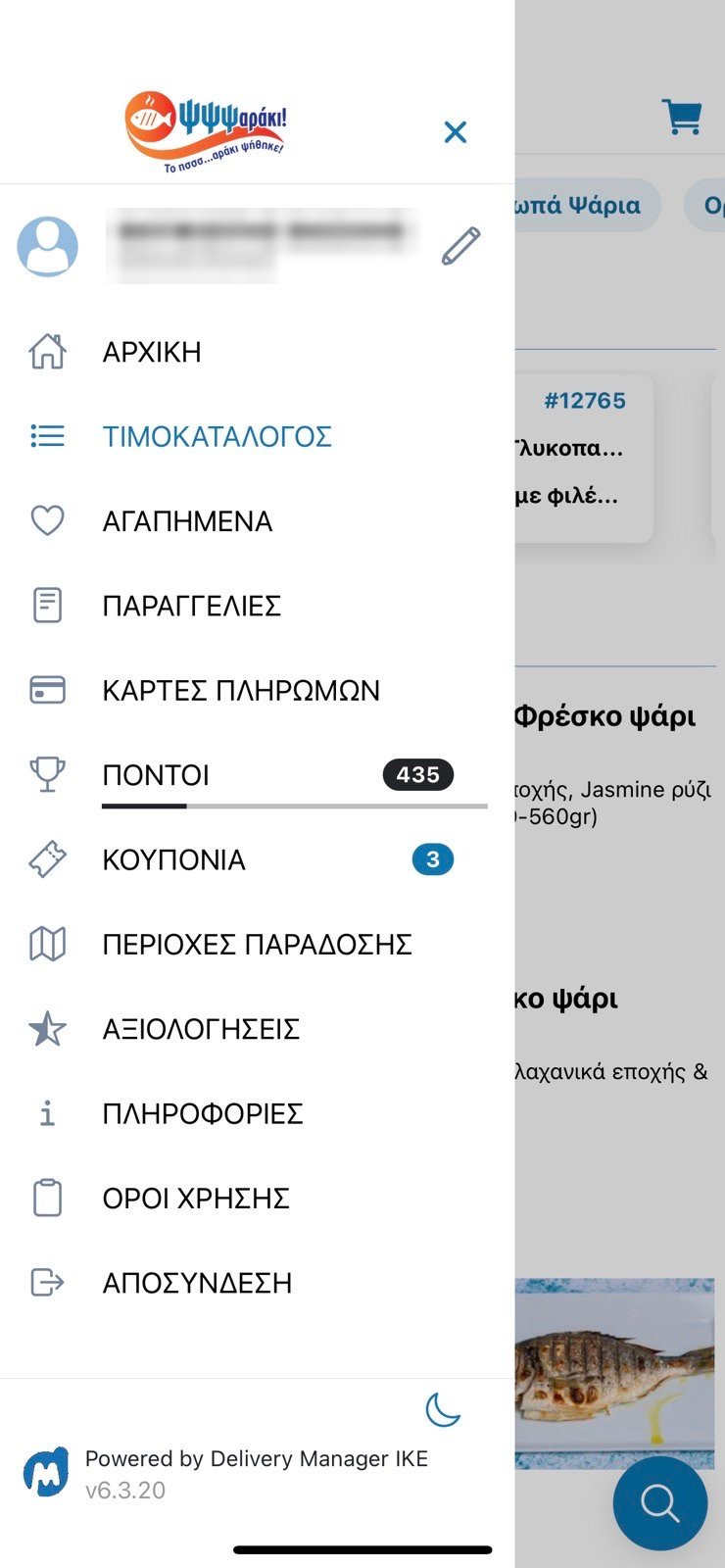
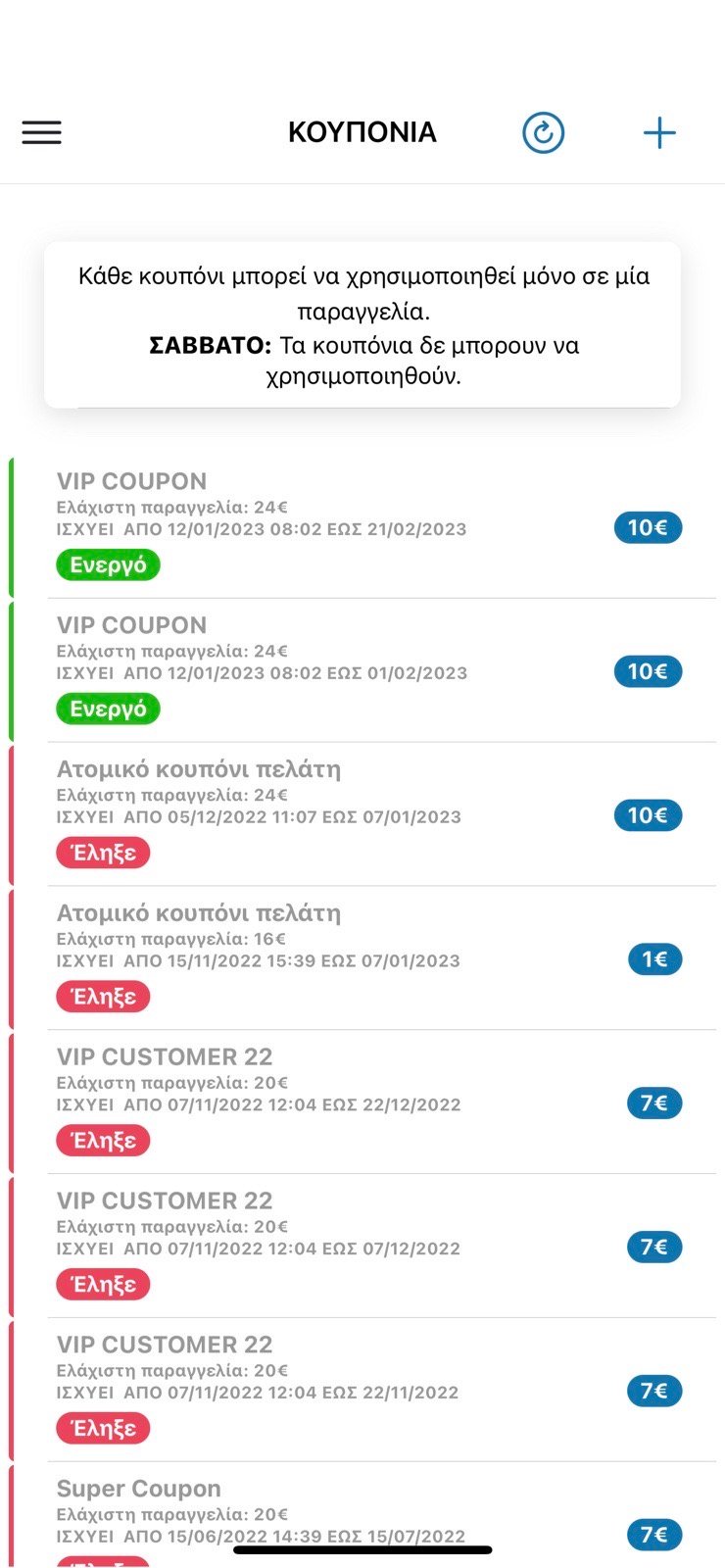
Your coupon list
Here you can see ● coupons you activated in the past ● coupons that are already active ● or activate new ones when available. You can also see the period each coupon is valid for and what it is worth
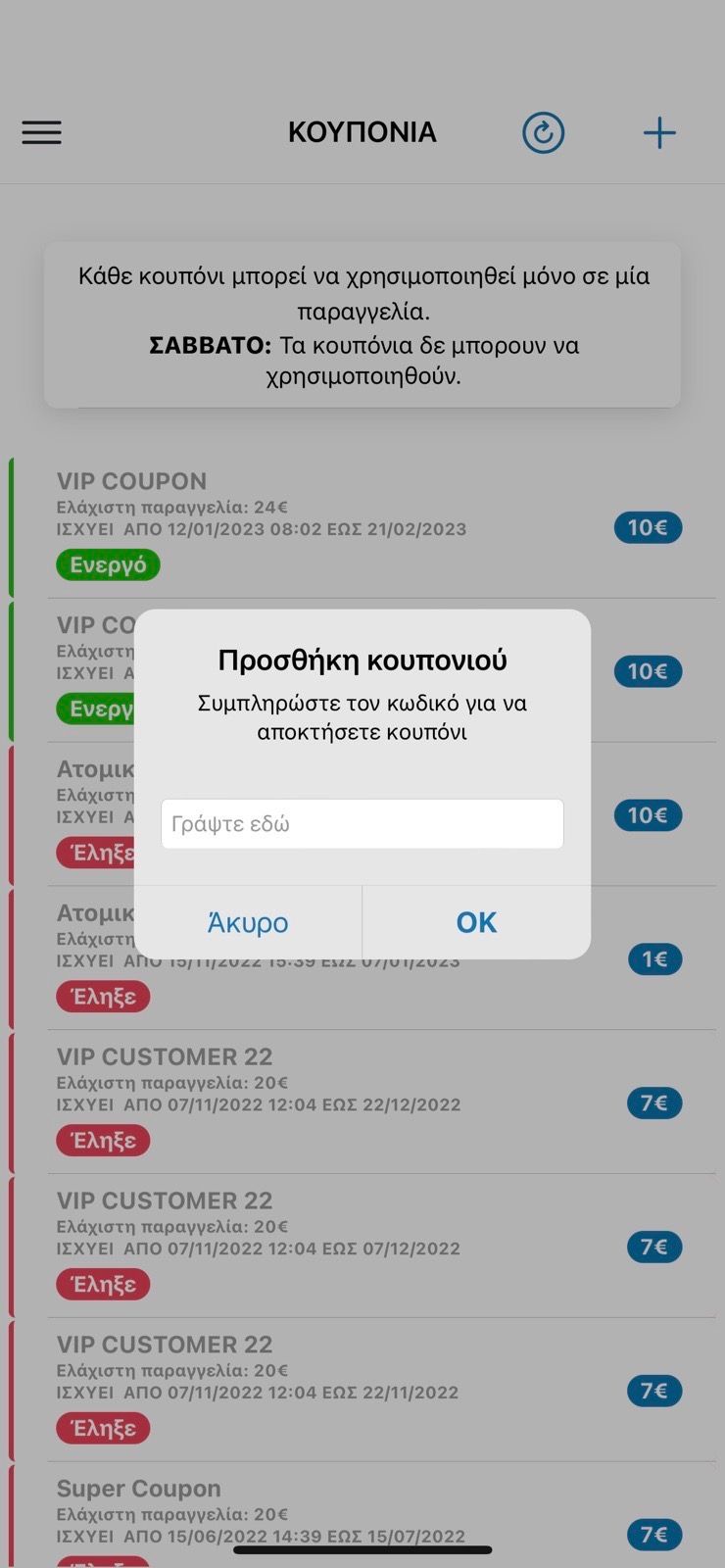
Add a coupon
Tap the + button at the top right to add a coupon. In the window that opens, type the code for your coupon. Once you press OK a confirmation message tells you the coupon will be created within a few minutes.
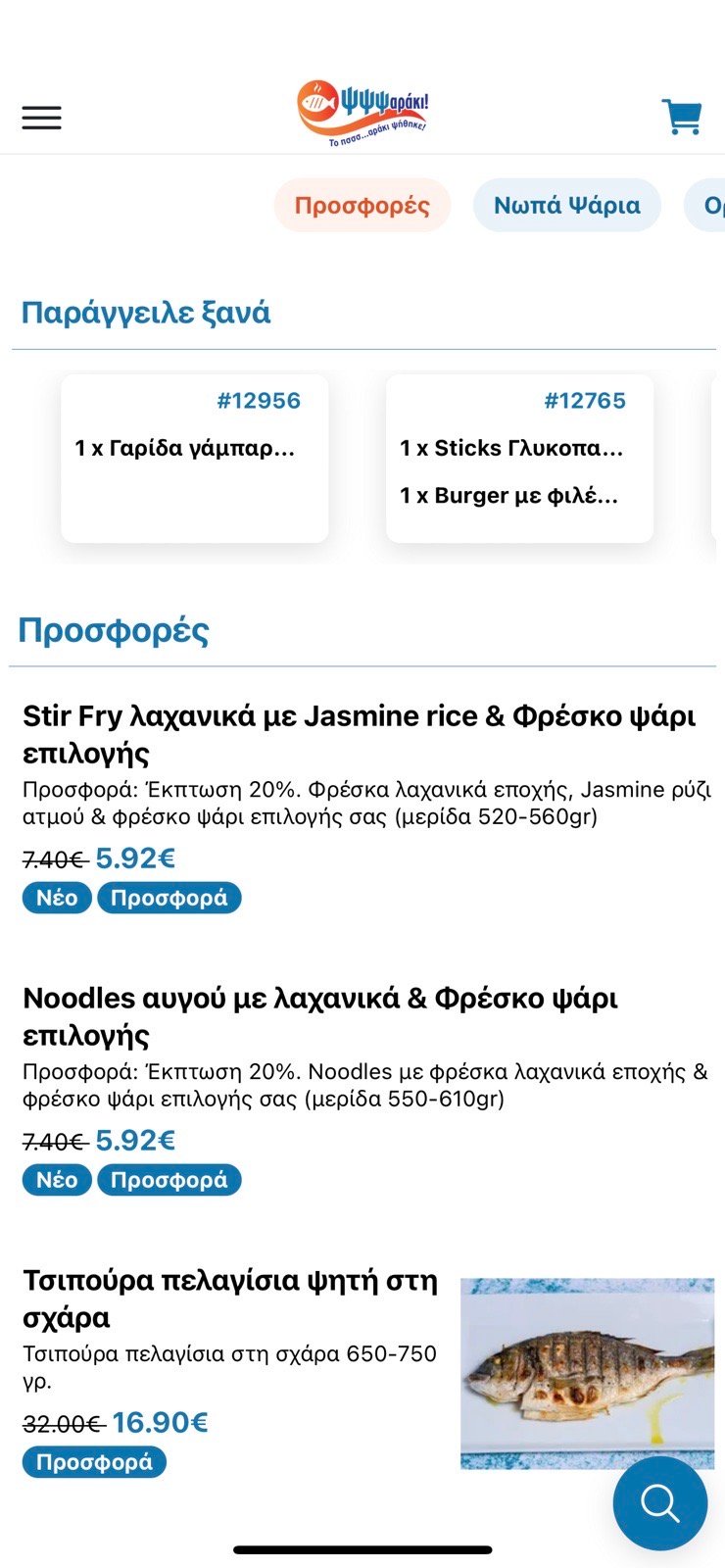
Catalogue
From the catalogue you can pick the products you want and add them to your basket
* If you do not have the app yet, see the full walkthrough in How to use the e-shop.